World SwitchAI video template
One click and you are in a different world: blocks, fighting game, anime.
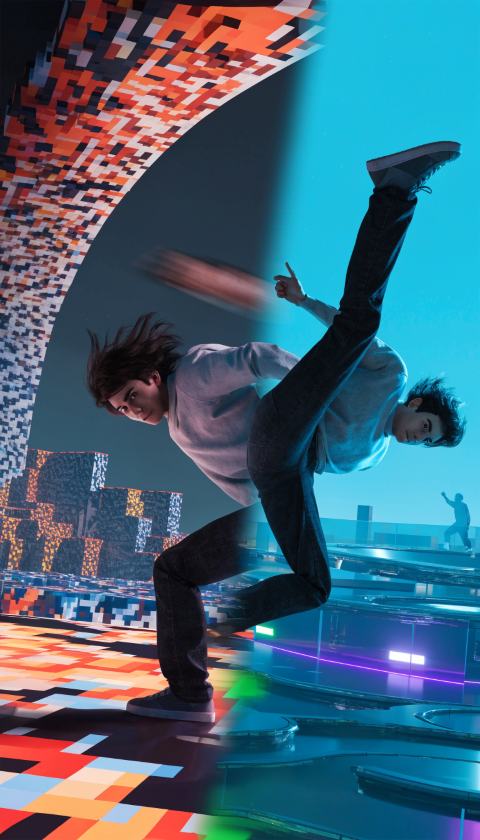
in different worlds 👀
How to make the World Switch video
Open the template. Tap "Make this video". New here? A 60-second quiz sets up your account first.
Add your photo. A photo of you mid-pose. Clear light, subject filling the frame. We crop it to vertical 9:16.
World Keep "a pixel block world" or try: a 3D fighting game arena, a retro 8-bit platformer, a cozy farming game, a kart racing game, a hand-drawn anime, a claymation set.
Add the sound. The AI clip itself is silent, so your video comes with our royalty-free "Hype" beat (you can turn it off). For more reach, tap Add sound in TikTok or Instagram, pick a trending sound and turn the original volume down.
Made by TryThisTrend, free to post.
Post it with the hook. Put the hook on screen in the first second and use the caption below. Your share link lets viewers remix the template.
Ideas to try
Hook
“one click and we are in different worlds 👀”
Caption
Make it a series
Formats like this grow when you post "part 1, part 2". Same template, a new twist each day.